Complete Your Booking
Please provide your contact information to activate your appointment alert.

Important information
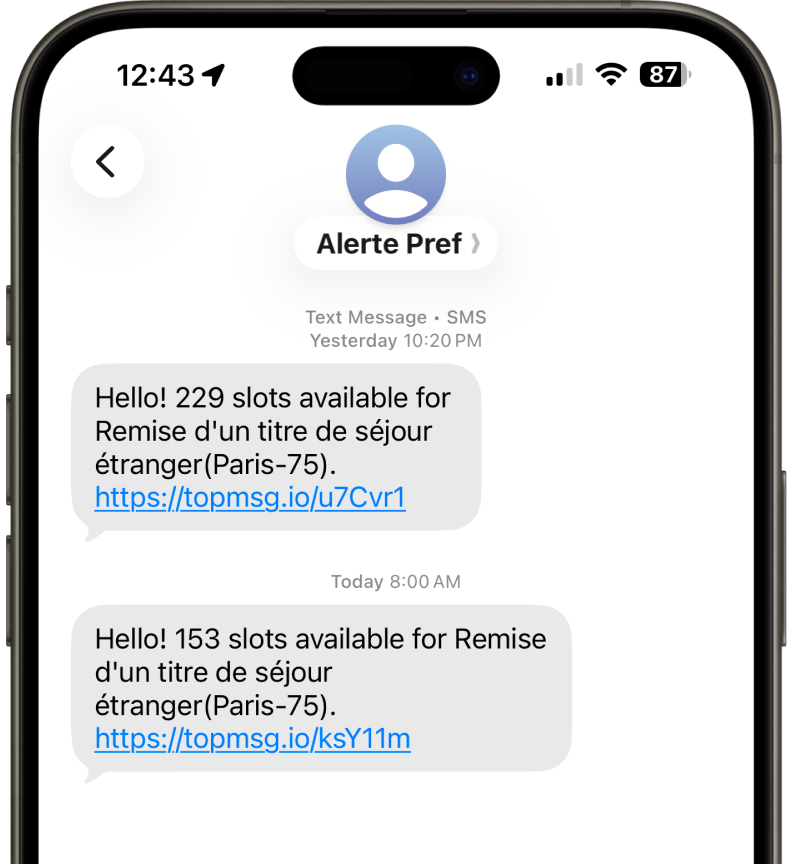
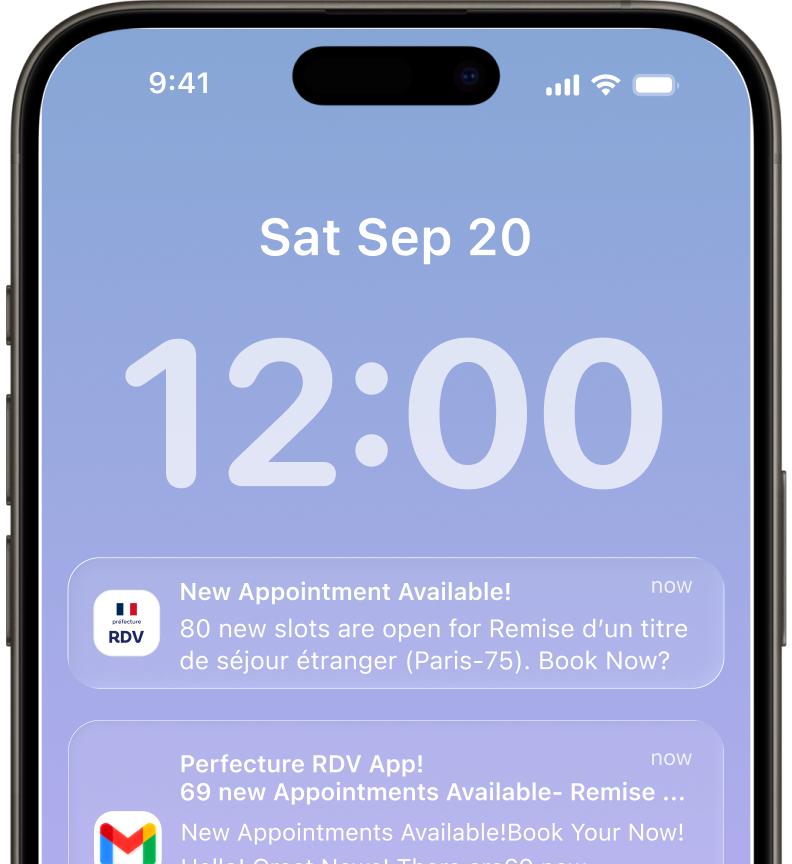
- You will receive instant notifications via SMS and email when appointment slots become available.
- Act quickly when you receive an alert, as slots may fill up quickly.
- You can change your selected department and appointment type at any time in your account settings.
- Notifications are sent in real-time to ensure you never miss an available slot.
Get Instant Notifications
Receive real-time alerts directly on your phone when appointment slots become available. Our system monitors availability and sends you instant notifications so you can book before slots are gone.
Stay Updated
Keep track of all your alerts in one place and never miss an appointment opportunity. Get a clear overview of your notifications and act quickly when a new slot becomes available.
How It Works
Follow these simple steps to get your appointment alert activated and start receiving notifications.
Select Department
Choose your department and appointment type from our comprehensive list.
Enter Details
Provide your contact information to receive notifications.
Get Notified
Receive instant alerts when appointment slots become available.
Book Appointment
Quick access to book your appointment before slots fill up!
Key Features
- Real-time monitoring of appointment availability
- Instant SMS and email notifications
- Easy management of your alerts